
Tinder photo order
Best Tinder photo order for men: what to put first.
Most guys lose the swipe before she sees the good photos. Put the clearest face photo first, then use the next photos to show body, style, lifestyle, and why you are worth swiping right.
Created with VIBEFLIRTING. Separate illustrative portraits.
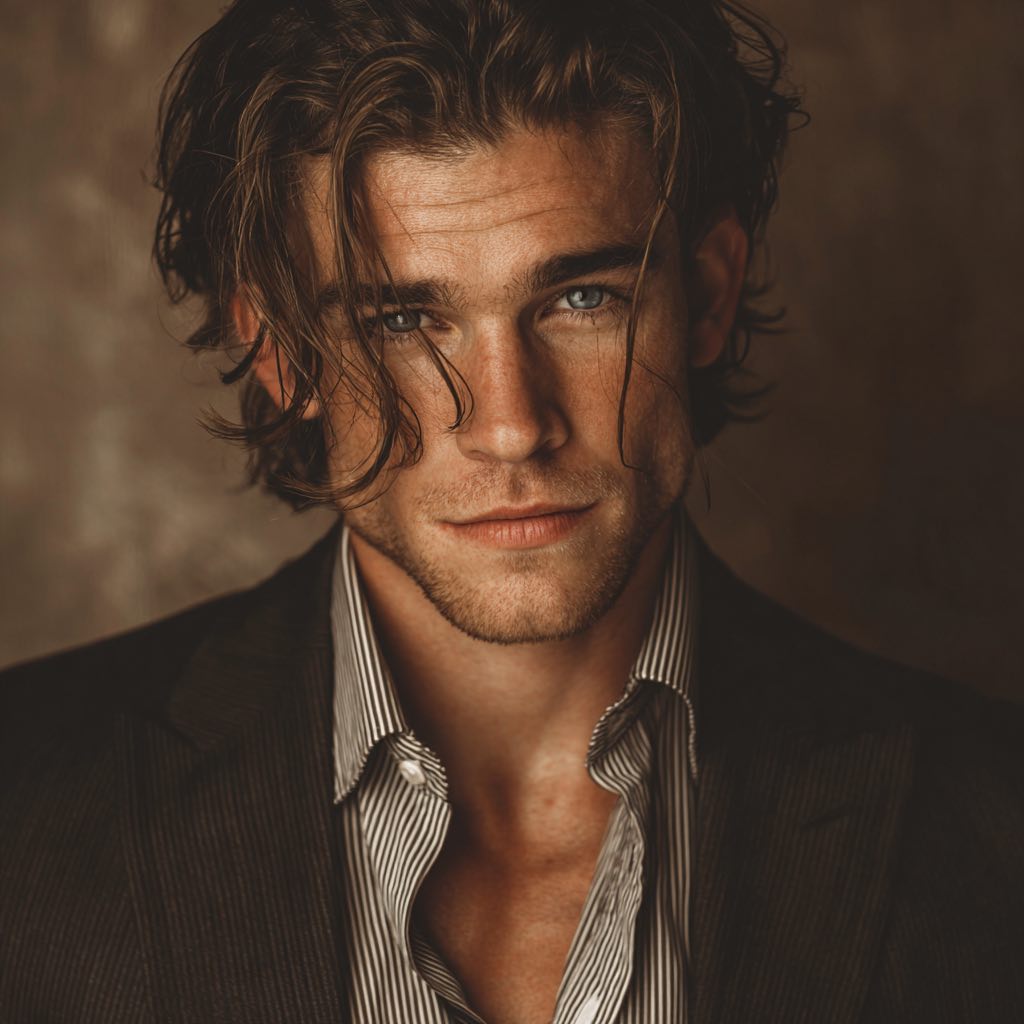
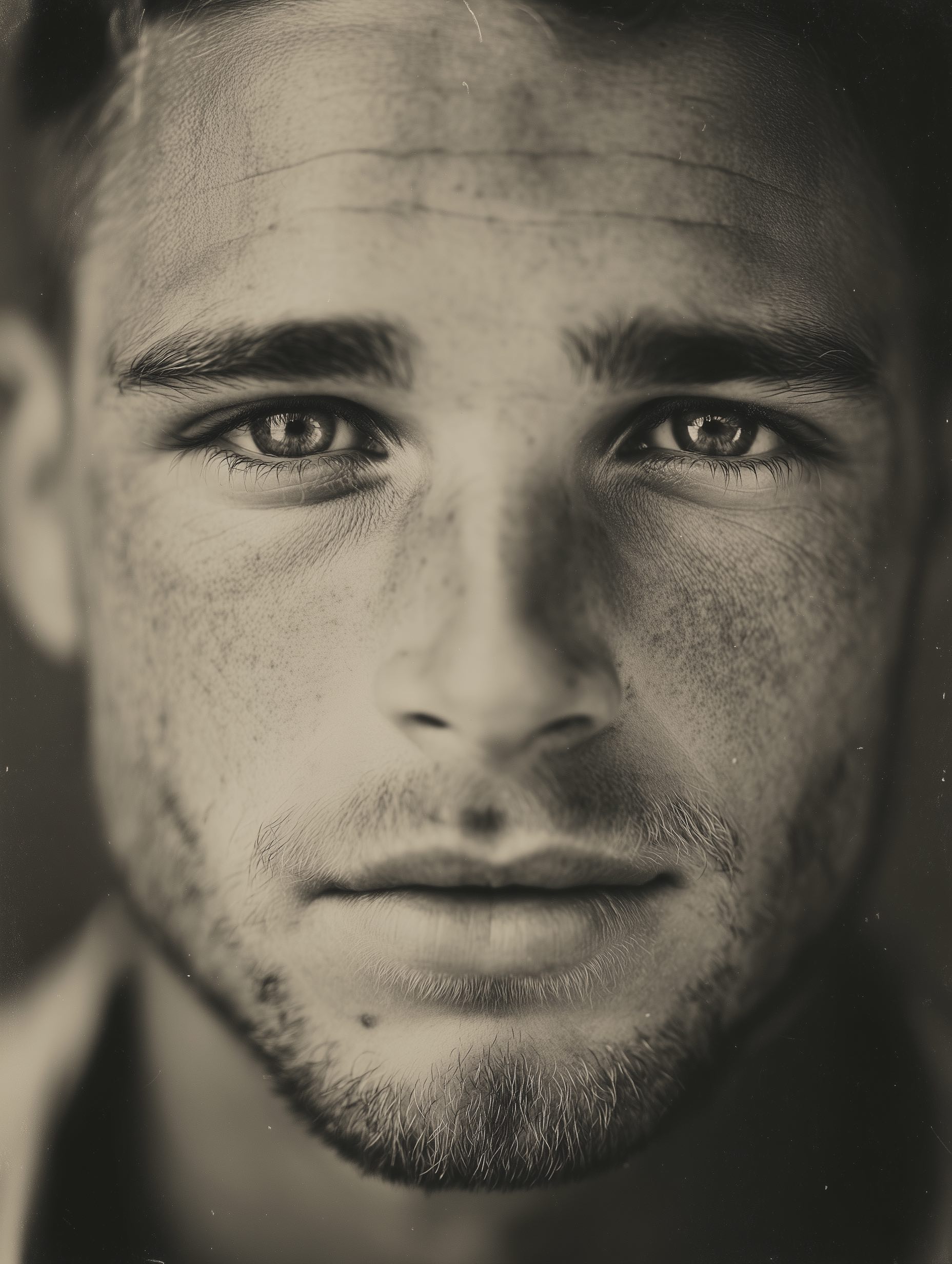
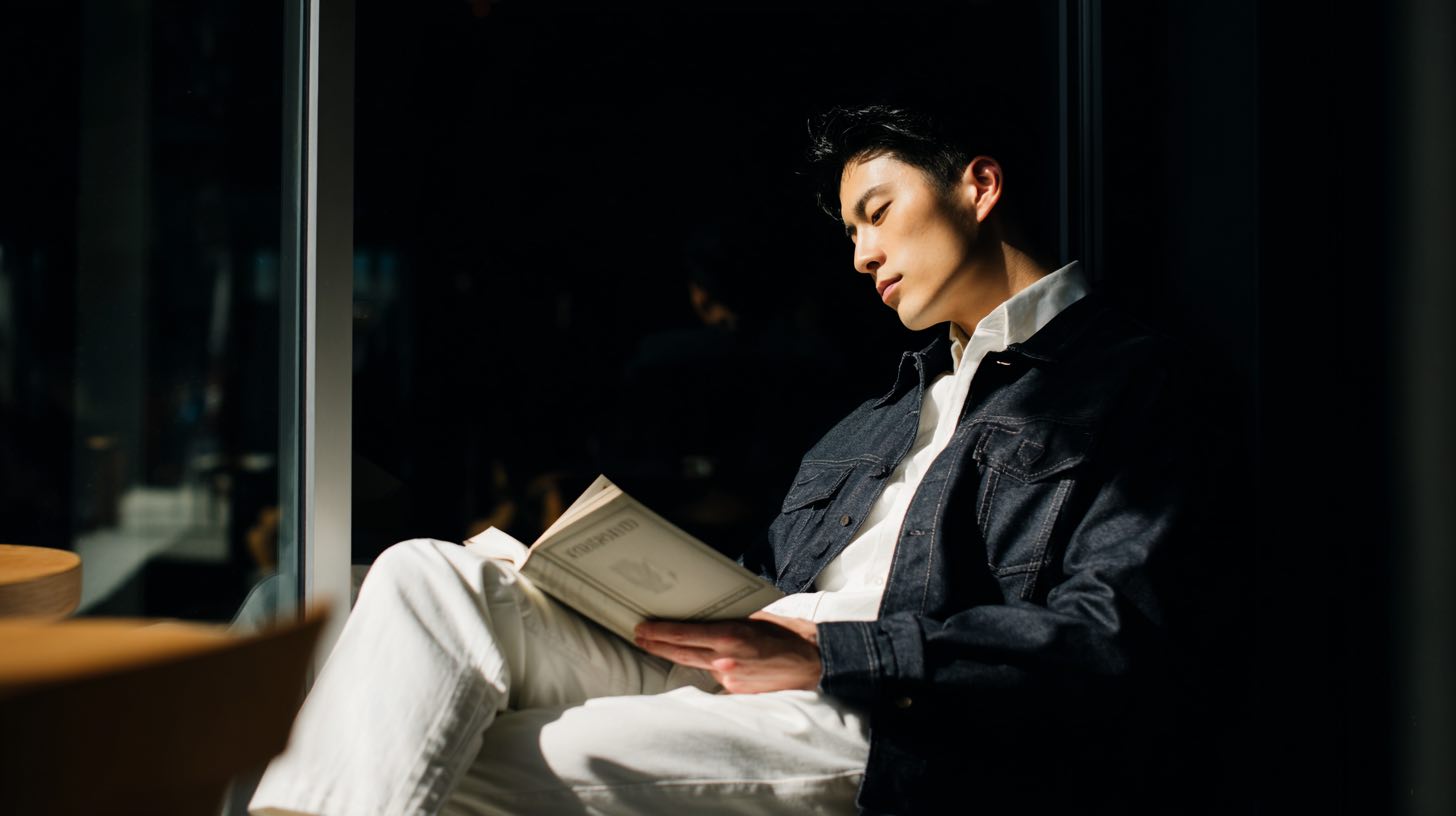
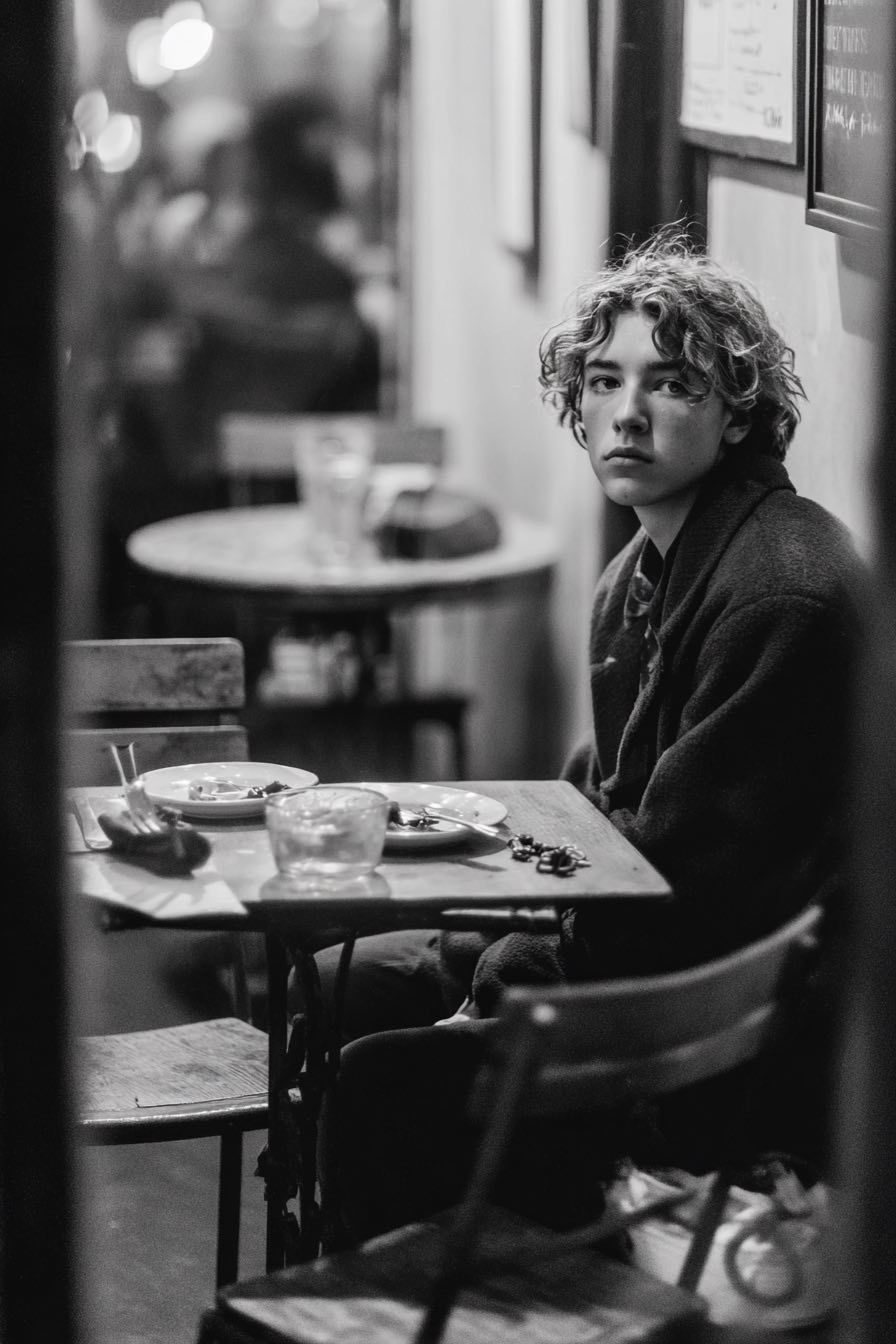
Sequence
Give each Tinder photo a job.
- Photo one: clear current solo face photo.
- Photo two: body, posture, and style.
- Photo three: normal context that does not feel staged.
- Photo four: activity, social proof, or personality.
- Photo five: warm closer that supports the same identity.
Tinder gives people very little patience for mystery. Your first photo should make it obvious what you look like now: face, current style, and enough confidence that the viewer does not need to zoom or guess. Clever photos are safer later in the sequence, after the basics are clear.
The second and third photos should reduce uncertainty. A wider photo helps with body, outfit, and posture. A context photo helps the profile feel like it belongs to a normal life rather than a collection of cropped headshots. The order matters because each photo should give her a reason to keep swiping through.
Do not make the first photo carry every job. Choose it for face clarity, then check what useful information each later photo adds.
Worked example
Reorder the photos you already have.
An illustrative exercise using five hypothetical photos.
Label five possible photos
| Photo | What it shows |
|---|---|
| A | A clear, current solo portrait. |
| B | A full-body photo showing your usual outfit. |
| C | You doing a hobby you actually enjoy. |
| D | A group photo where you are easy to identify. |
| E | Another portrait with much the same crop and expression as A. |
Initial order: D → E → A → C → B
The group photo makes someone work out which person you are before seeing your face clearly. Two similar portraits follow, while the wider view is buried at the end.
Suggested order: A → B → C → D
Move A first so your face is easy to see. Follow with B to show your build and outfit without another close-up. C adds an actual interest someone could ask about. D comes later, once the solo photos have made you recognizable.
Leave E out: it repeats A instead of adding useful information. If E is the clearer portrait, keep E and remove A instead. Do not keep both just to fill a slot.
Apply the same rule to your own set
Write one job beside each photo: face, wider view, interest, or social context. For two photos doing the same job, keep the clearer, more current one. If a job is missing, that tells you which photo to take next. Rearranging cannot fix blur, an obscured face, or a photo that no longer looks like you. If you need a clearer replacement, use the guide to taking dating-profile pictures by yourself.
Curation
Use a virtual photoshoot to fill gaps, then curate hard.
Keep outputs that make the profile easier to understand and reject anything that creates identity drift. For broader app strategy, use virtual photoshoots for Tinder. If the issue is more general, start with dating photo mistakes.
If Hinge is the priority, compare this sequence with how to order Hinge photos.
When using a virtual photoshoot for Tinder, generate options for the photo gaps instead of replacing the whole profile with one glossy style. Keep the first image simple, use the middle images for variety, and save the warmer or more expressive photo for later in the lineup. If every image looks like a professional ad, the sequence can feel less believable.
Before upload, test the order quickly: cover every photo after the first and ask whether the profile is still understandable. Then reveal the rest and check whether each image adds new information. If two photos say the same thing, keep the clearer one and use the empty slot for a missing photo type.
A practical Tinder order should still feel casual when someone swipes through it quickly. If the first two photos are both intense portraits, the profile can feel narrow. If the first two are both activity shots, she may never get a clear look at you. The best sequence gives the viewer quick confidence, then enough variety to stay curious.
Use the order as a filter before you use it as a design exercise: clear face first, then grounded context, then something interesting.
Quick answers
Tinder photo order FAQ
What should my first Tinder photo be?
Use a clear current solo photo where your face is easy to see. Save clever, social, or activity photos for later in the lineup after the viewer already understands who they are looking at.
Where should virtual photoshoot pictures go in the Tinder order?
Put virtual photoshoot pictures where they fill a real gap. If the output is the clearest face photo, it may work first. If it mainly adds context, outfit, or warmth, place it after the clear face photo and curate out anything that feels inconsistent.
How do I choose between two similar portraits?
Compare them at the size someone will see on a phone. Keep the photo with the clearer face and the more current, recognizable appearance. If both do the same job, choose one; use the next slot for a wider view or a real interest. In the worked example, E can replace A if it is the clearer portrait.
Next step