
Hinge photo advice
Can I use a selfie as my first Hinge photo?
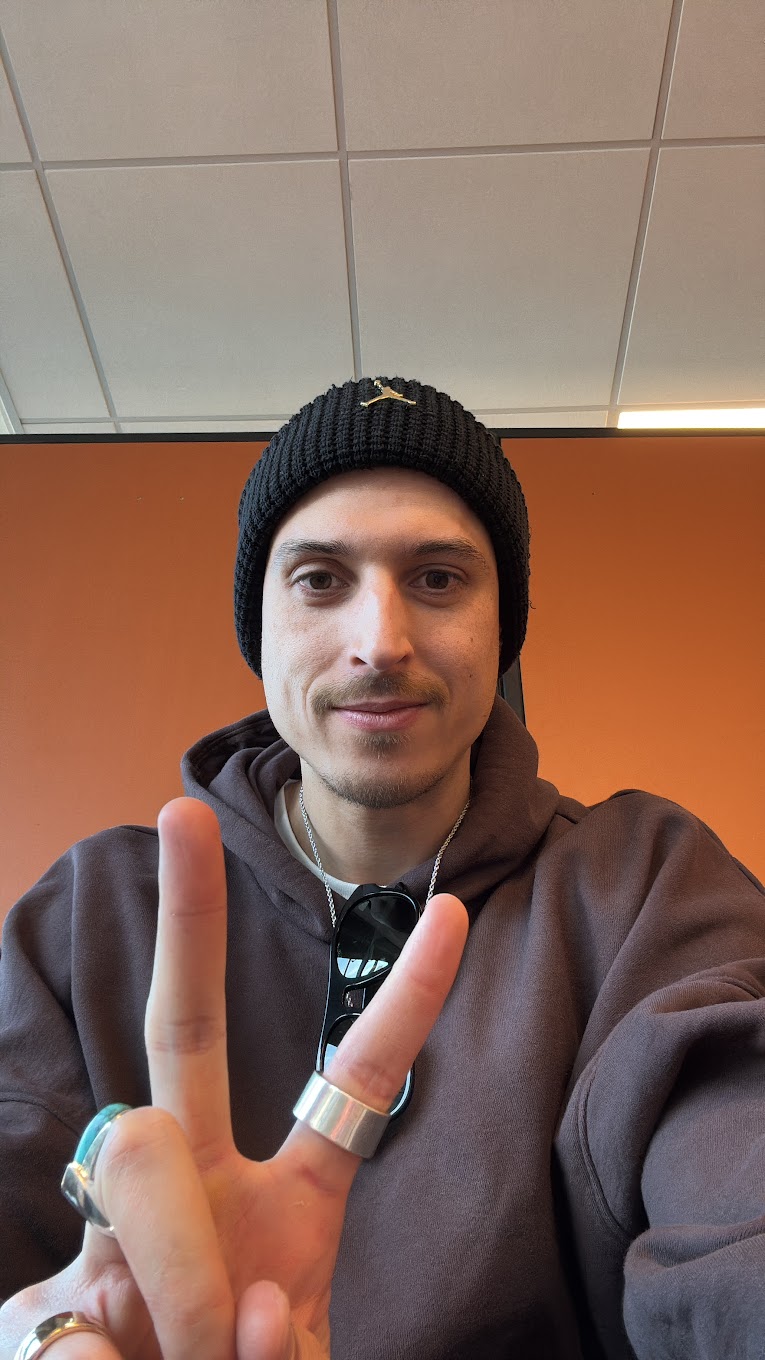
It can work if it is your clearest recent photo. Your face should be easy to see, the lighting should be even, and the photo should look like you today. A clear selfie is a better starting point than a blurry group shot or an old portrait.
Keep or retake?
Check these four things before putting it first.
Hinge’s own photo guidance says selfies, especially bathroom and mirror selfies, tend to receive fewer Likes. If you have a clear candid portrait too, compare that with your selfie before choosing the opener.
1. Can someone see your whole face immediately?
Use a crop with your face and shoulders visible. A phone covering half your face, dark sunglasses or a distant mirror reflection makes the viewer work harder. Check the photo at phone-screen size, not just zoomed in.
2. Does it show how you look now?
Keep your current hair, facial hair and build. Skip beauty filters that change facial features or erase skin texture. A flattering photo should still be recognizably you when you meet.
3. Is the light helping?
Look for visible eyes and detail on both sides of your face. Try facing a window or standing in open shade if your current picture has a bright background and a dark face. Move the camera farther away if the close angle exaggerates your features.
4. What else is competing for attention?
Check the edges for a messy room, bathroom fixtures or other people. Cropping can remove a distraction, but it cannot restore a hidden face or fix a blurry photo. Retake it if the problem is in the picture itself.
Take a better one yourself
Try a phone timer before booking a shoot.
- Pick the light. Face a window or find open shade. Wear something you would actually wear on a date and choose a simple background.
- Set the phone down. Prop it securely around eye level and use a timer. Step back until your head, shoulders and some of your upper body fit comfortably in the frame.
- Take a few relaxed variations. Turn slightly, relax your shoulders and try a small smile. Compare them at the size they will appear in your profile. Keep the clearest, most natural-looking one.
A mirror selfie can still be useful for showing an outfit. If the phone hides your face or you are small in the reflection, choose another picture to introduce you.
The rest of your profile
Keep the selfie. Add something different next.
You do not need to replace a clear photo just because you took it yourself. Follow it with a current full-body picture, a photo of something you enjoy doing, or a relaxed shot taken by a friend.
Avoid filling every slot with almost the same selfie. Three photos from the same angle and room tell the viewer less than photos that show your face, your style and an actual part of your life.
For the full sequence, use the Hinge photo-order guide.
If Top Photo is enabled, Hinge can show a different photo first from the order you see while editing. Turn it off if you want to choose the opener yourself.
Another option
Use your selfies for a virtual photoshoot.
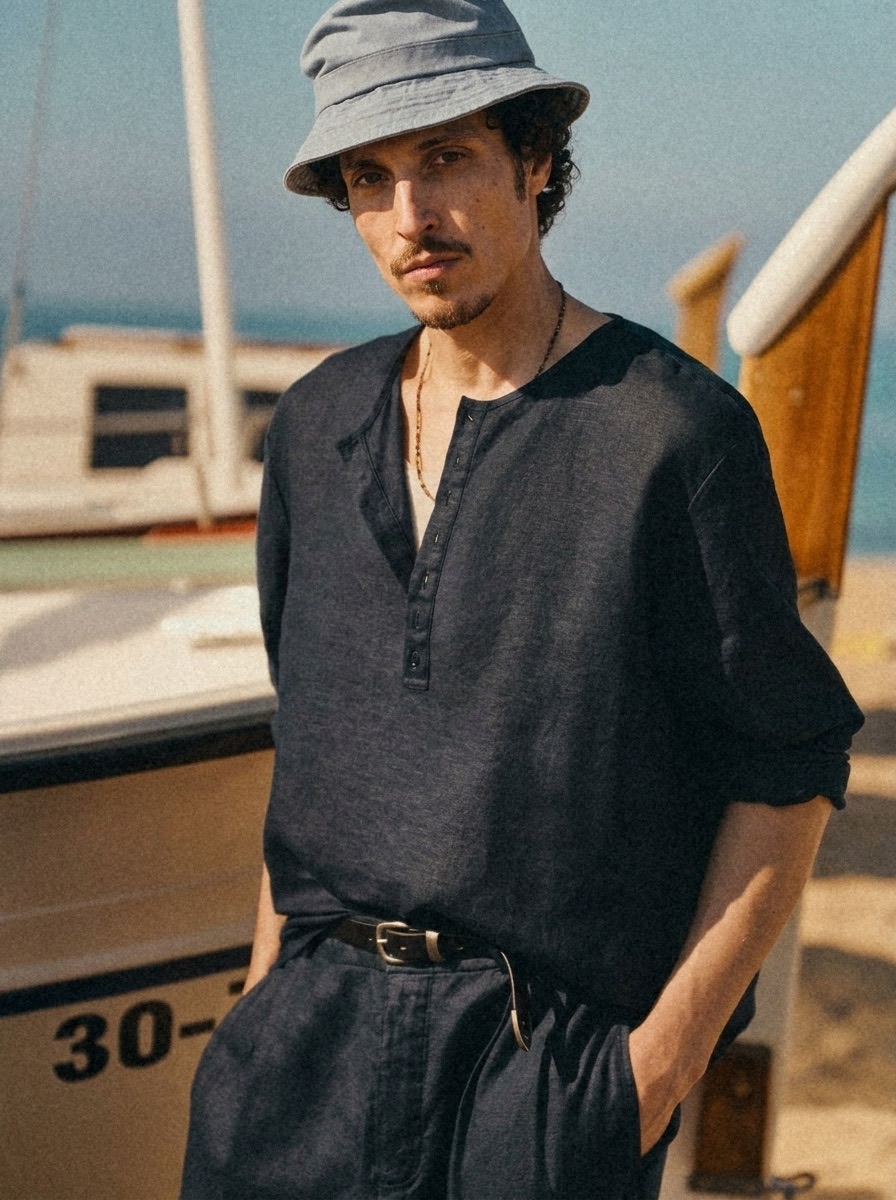
If you want more portrait and outfit options, VIBEFLIRTING creates photos from your uploads. You can upload 2–4 clear photos; our source-photo checklist explains how to choose them.
Judge the results by the same checklist. Keep photos that preserve your likeness and current appearance, then choose where each belongs in your profile.
Need more photo options?